App Changelog
3.32.0 (2026-10-12)
Features
Input source selection
Adds a checklist of input sources to the forecast view for a model whose input has more than one source, so the forecasts each source produced can be overlaid on one chart and compared.
3.29.1 (2026-10-09)
Features
Access overview filters
Model groups in the Access overview of the authoring area can now be narrowed down by visibility and by the organisation they’re shared with.
- Each model group in the Access overview now expands to show every revision with who can see it, so a group with only some revisions released is easy to spot.
1.352.0 (2026-09-29)
Features
Add several organisations
Several organisations can now be given the same access in one go.
1.351.0 (2026-09-29)
Features
Public axis values
The Public access section of a model group’s Access view can now limit public access to selected axis values, instead of every value the model declares.
1.350.0 (2026-09-29)
Features
Base forecast toggle
Adds a Base checkbox to the Sensitivities section of the forecast view, so a sensitivity can be charted and tabled on its own without the base forecast.
1.349.1 (2026-09-24)
Features
- The model info dialog is now easier to find on the forecast view: it opens from a labelled Model info button next to the model’s revision, instead of a small icon.
Bug Fixes
- The Access tab of a model group in the authoring area now shows which view, sensitivity, or revision the server rejected when a public or organisation access save does not go through, instead of a generic error.
1.345.0 (2026-09-21)
Bug Fixes
- The By revision view of a model group’s Access tab in the authoring area now says when a release toggle did not save, and accepts the next toggle straight away, instead of quietly leaving the revision unreleased.
- The Runs view in the authoring area now says when a filter or Load more did not go through, and puts the filter controls back to match the rows on screen, instead of quietly keeping the old list.
- The Access tab of a model group in the authoring area now says when revoking an organisation’s access did not go through, and keeps the organisation in the list, instead of quietly leaving it in place.
1.340.0 (2026-09-17)
Features
Grant access to input data
Model owners can now grant another organisation access to the input files a run consumed, per input key or all inputs, from the Custom preset of the Access panel in the authoring area.
1.337.0 (2026-09-16)
Features
Reports on model info
The model info page now shows the Retrospective reports banner above the model details, matching the Model Info dialog.
1.334.0 (2026-09-16)
Features
Retrospective reports link
The Model Info dialog now opens with a Retrospective reports banner above the model details.
1.322.0 (2026-09-11)
Features
Blog link in the footer
Adds a Blog link to the Resources column of the footer, so the pdView blog is reachable from anywhere in the app.
Retrospective reports link
The Model Info box on the forecast view now links to the retrospective reports published for week-ahead and quarterly models.
Reports on model info
The Model details panel on the model info page now shows those links under Training metadata, below the loss function.
Bug Fixes
- The forecast view no longer stalls when many weather reference years are selected.
1.320.1 (2026-09-09)
Features
- The forecast view now shows the revision of the model on screen, as a
rev Nbadge next to the model name. - The model info dialog on the forecast view no longer repeats the model description, which stays on the model details view behind the “View full model details” button.
1.319.2 (2026-09-07)
Features
Most recently trained date
The Model Info box in the forecast view now shows the day the model was most recently trained, and lists the created date as a day rather than a full timestamp.
Bug Fixes
Reference year column
The forecast table and its CSV export now carry every reference year ticked in the checklist, with a Reference year column naming the one each row came from.
-
The query tool opened from a run datetime now covers every reference year ticked in the checklist, and opens on a query that names the year each row came from.
-
The daily aggregate view now keeps each ticked reference year in its own row, so its minimum, average, maximum and count no longer span every ticked year at once.
1.310.1 (2026-08-31)
Features
Restrict access by axis value
Sharing a model that declares axes now offers a “Limit which axis values they can see” section, so an organisation can be given some reference years and not others.
Forecast axis checklists
Several variants of the same model can now be shown on the forecast at once, one series each, by checking their values in the axis checklists in the model options panel.
Comparison model variants
A comparison model can now be added as a specific variant rather than only its default, from the axis checklists that open under it in the Compare Model dialog.
Axis value filter
An axis with a long list of values can now be narrowed by typing in the filter field above its checklist in the model options panel, instead of scrolling to find the value you want.
Displayed run budget
Up to 24 runs can now be displayed in any mix of run datetimes, axis values, sensitivities and comparison models, rather than each holding a separate limit; at the total, the options that would exceed it disable until something is cleared.
Model run view axes
A model run view can now be pointed at a different variant by choosing another axis value, since a view resolves a single run and its axis controls take one value each.
Axes in run lists
A run’s axis values can now be read straight from a run list, in an axes column with one pill per value, left empty for runs from models that declare no axes.
Filter runs by axis
Runs in a model group’s Runs tab can now be filtered by axis value, including values only an earlier revision declared, which stay in the list marked with the reason they are still there.
Reading a model you hold some axis values on
The forecast view now offers only the axis values your organisation holds, so a reference year you cannot read is never a selectable dead end.
- An axis section in the model options panel now shows the selected values next to its heading, so the current selection is readable without scrolling the list or expanding the section.
1.279.0 (2026-08-17)
Features
Run list filters
Adds an authoring area for model authors, with an organisation-wide list of model runs you can filter by status and date.
Model group access
Model authors now control who can reach a model group, and can transfer a group and all its revisions to another organisation.
Inputs as a table
Adds a table view to the Model Run Inputs section, driven by the same chart/table toggle as the forecast section above it, so aggregated inputs can be read as numbers and exported.
Copy a cell range
Data tables now support selecting a range of cells and copying it with its headers from the right-click menu, so a subset drops straight into a spreadsheet.
Drag to zoom
The forecast chart now supports drag-to-zoom, with a reset button to return to the full range.
Weekend shading
Forecast charts now shade weekends behind the series on the week-ahead, quarterly, and annual horizons, and week-ahead axis labels carry the day of the week.
Model display timezone
Forecast and model run view datetimes now render in the model’s display timezone with the offset shown, and CSV exports carry the same instant.
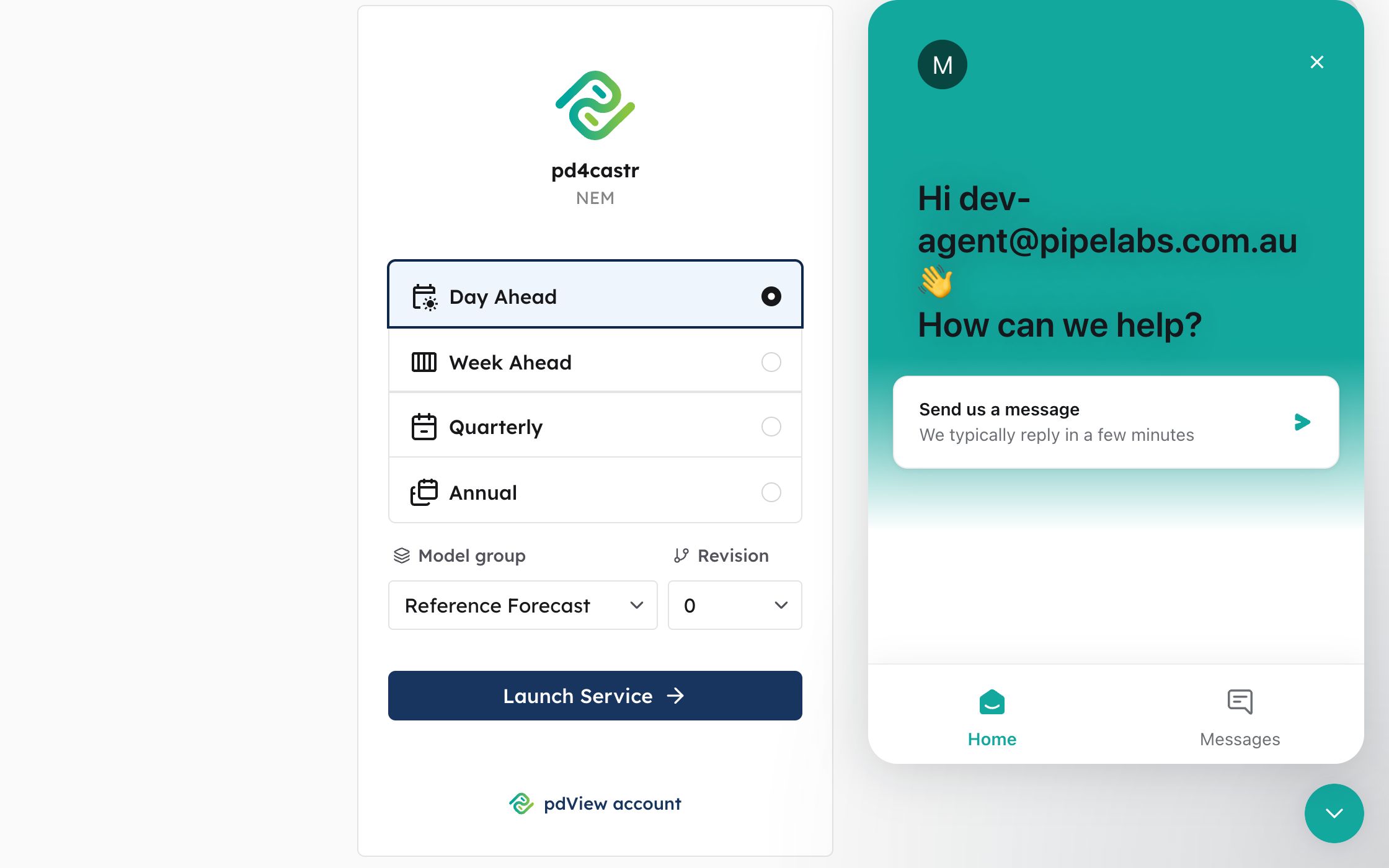
In-app support
Adds an in-app support messenger for signed-in users, opening a conversation already identified with your account and organisation.